


 English
 中文简体
中文简体 Español
 عربى
عربىFPC Connector Soldering Temperature: The Only Guide You'll Ever Need
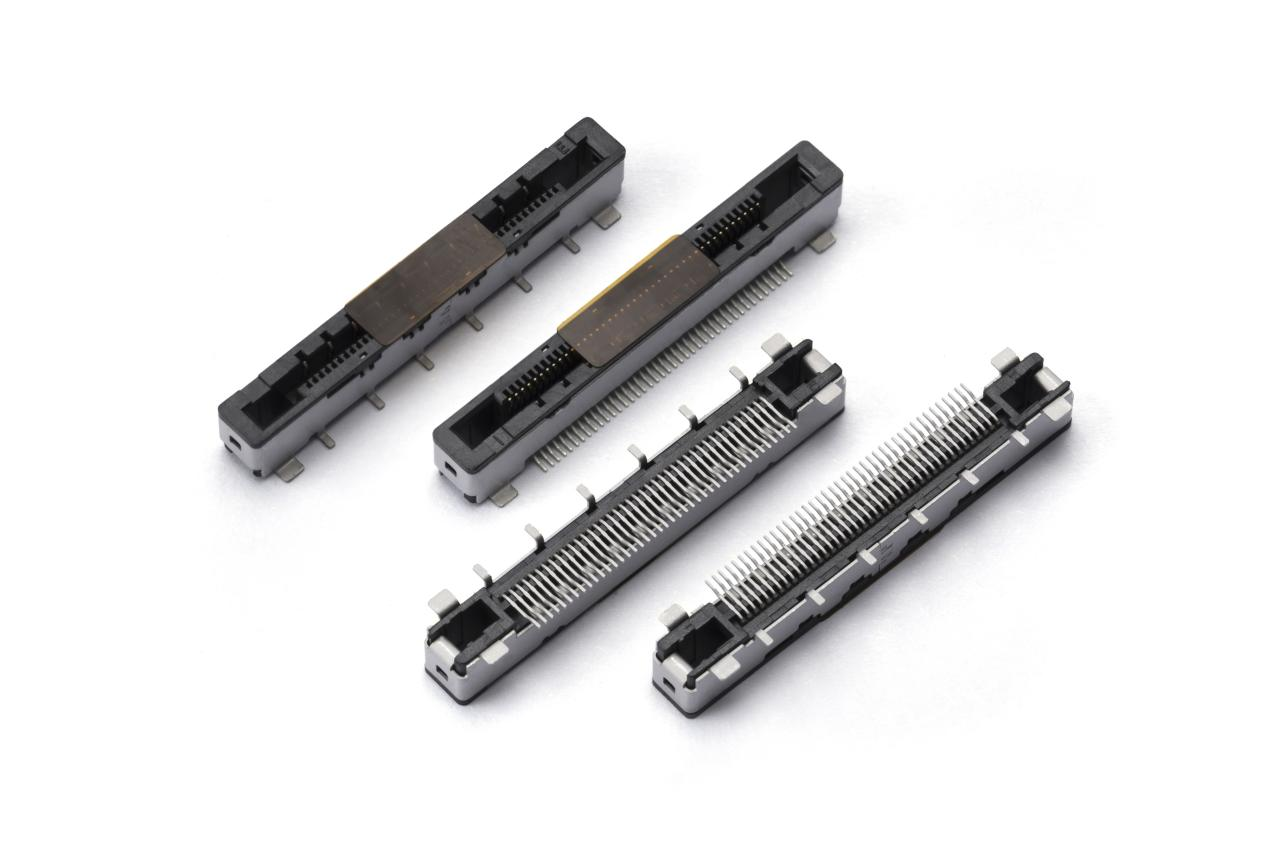
If you've ever held a tiny FPC connector in your hand and wondered, "What's the right soldering temperature without melting this thing into a plastic puddle?" — you're not alone. Getting the FPC connector soldering temperature right is one of those small but critical details that separates a reliable electronic assembly from a field failure waiting to happen.
Let's cut to the chase.
What's the Ideal Soldering Temperature for an FPC Connector?
Most standard FPC connectors (the ones with liquid crystal polymer housings and phosphor bronze contacts) are designed forreflow solderingtemperatures between230°C and 260°C(peak). But here's the catch — that'speaktemperature, not the constant iron temperature.
If you're using a soldering iron (hand soldering), aim for280°C to 320°C. Anything above 350°C for more than a few seconds will likely deform the plastic base, lift pads, or cause intermittent contact issues.
For reflow ovens (SMT assembly), the industry standardlead-free profiletypically peaks at245–260°Cfor 10–30 seconds, depending on the paste and connector specifications.
Pro tip:Always check the manufacturer's datasheet. Some fine-pitch FPC connectors (0.3mm or 0.25mm pitch) may ask for a lower peak — around 240°C — to avoid plastic softening.
Why Temperature Control Matters More Than You Think?
You might think, "It's just soldering — hotter is faster." Not with FPC connectors. Their plastic housing is thin, and the contacts are tiny. Overheating causes:
· Melting or warping of the connector body— pins lose alignment, and the ZIF flap won't latch.
· Pad liftingfrom the PCB (copper delamination).
· Solder wicking up the contacts— creating shorts or damaging the mating area.
· Intermittent connectionsthat drive you crazy later during testing.
From a buyer's perspective — if you're ordering assembled PCBs, ask your CM (contract manufacturer) about theirFPC connector soldering temperature profile. A good CM will show you thermal curves and confirm they follow IPC/JEDEC J-STD-020.
Hand Soldering vs. Reflow: Which One Works Best?
Hand soldering (prototyping or rework)
· Iron tip temperature:280–320°C (no higher).
· Dwell time:2–3 seconds per pin. Let it cool between pins.
· Use a fine conical or chisel tip(1.0mm or smaller).
· Flux is your friend.Add extra no-clean flux to prevent bridges, especially on 0.5mm pitch connectors.
· Avoid dragging solderunless you're skilled — it's easy to bridge pins. Use a microscope if possible.
Reflow soldering (production)
· Peak temperature:245–260°C (lead-free); 235–245°C (tin-lead).
· Time above liquidus (TAL):50–70 seconds for lead-free.
· Ramp rate:1–2°C/sec to avoid thermal shock.
· Cooling rate:As fast as 4°C/sec (controlled) — slow cooling can cause brittle joints.
Common Mistakes and How to Avoid Them
Mistake 1:Using the same temperature as for through-hole components
Fix:Lower your iron temperature and add flux. Patience beats burned connectors.
Mistake 2:Pushing the iron against the plastic latch.
Fix:Solder only the metal ears (mechanical holding tabs) and the contact row. The latches are heat-sensitive.
Mistake 3:No preheating on large ground planes.
Fix:Use a preheater or hot air station at 100–120°C. Large copper areas suck heat away, forcing you to crank up the iron and burn the connector.
Mistake 4:Ignoring moisture sensitivity.
Many FPC connectors are MSL 3 (Moisture Sensitivity Level). If they've been exposed to humid air for weeks, bake them at 60°C for 24 hours before reflow — otherwise, steam inside the plastic causes "popcorning" (internal cracks).
Recommended Soldering Profile (Example for Lead-Free Reflow)
| Stage | Temperature Range | Duration |
|---|---|---|
| Pre-heat | 150–200°C | 60–90 sec |
| Soak | 200–245°C | 70–100 sec |
| Reflow peak | 245–260°C | 10–30 sec |
| Cooling | Below 220°C in 60 sec | – |
This profile works for 90% of FPC connectors from brands like Molex, Hirose, TE, JST, and Amphenol. Again — check the datasheet for exceptions.
What About Low-Temperature Solder Alloys?
Some engineers use SnBi (tin-bismuth)alloys melting at ~138°C to protect heat-sensitive FPC connectors. It works, but:
· SnBi is brittle — not good for vibration or flexing.
· Mixed with SAC305 (standard lead-free) creates weak joints.
· Only use if the design specifically allows it (and rework is rare).
For applications, stick with standard SAC305 or SAC405, and follow the 245–260°C peak profile.
Quick Answers to Real Questions from Buyers & Engineers
Q: Can I solder an FPC connector with a hot air gun?
A: Yes, but carefully. Set hot air to 320°C, airflow low (30%), preheat the board to 100°C first. Use Kapton tape to shield nearby plastic parts. Hand iron is easier for small quantities.
Q: My connector melted at 250°C. What went wrong?
A: Possibly the thermocouple reading was inaccurate. Or the connector is designed for 230°C max — check the datasheet. Or you held the heat too long (more than 40 seconds at peak).
Q: How do I test if soldering temperature was correct after assembly?
A: Microscopic inspection (smooth, shiny joints, no plastic deformation). Then flex the FPC cable and do a continuity test while wiggling. No intermittent opens means good thermal control.
Q: Does lead-free vs. leaded solder affect temperature?
A: Yes. Leaded (SnPb) reflows at ~220°C peak — much safer for fragile connectors. But RoHS compliance may force you to use lead-free. If you have a choice and reliability is critical, leaded can be gentler.
Final Checklist Before You Heat Up That Iron
1. Read theFPC connector datasheet— look for "soldering temperature" or "reflow profile".
2. Set your iron to 280–320°C(hand) or oven peak245–260°C(reflow).
3. Use plenty ofno-clean fluxand a fine tip.
4. Keep dwell time under 3 seconds per pin.
5. Inspect under magnification — look for shiny fillets and unchanged plastic color.
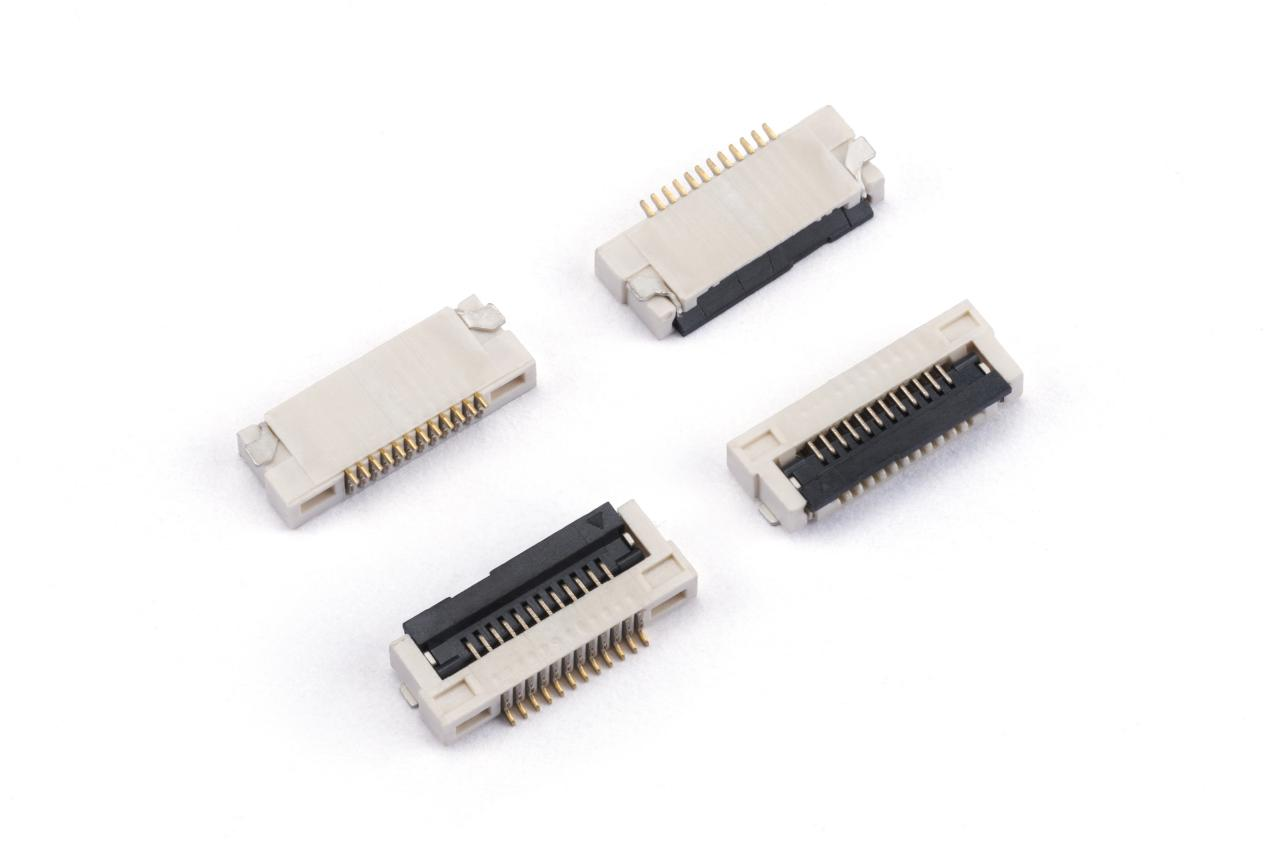
Mastering the FPC connector soldering temperature isn't about memorizing a single number. It's about understanding your specific connector, your PCB, and your soldering method. When in doubt, go a little lower and a little longer — your yield rates will thank you.
Got a tricky FPC soldering problem? Share your connector part number below (in the comments) and I'll help you find the right profile.
Related Products
-
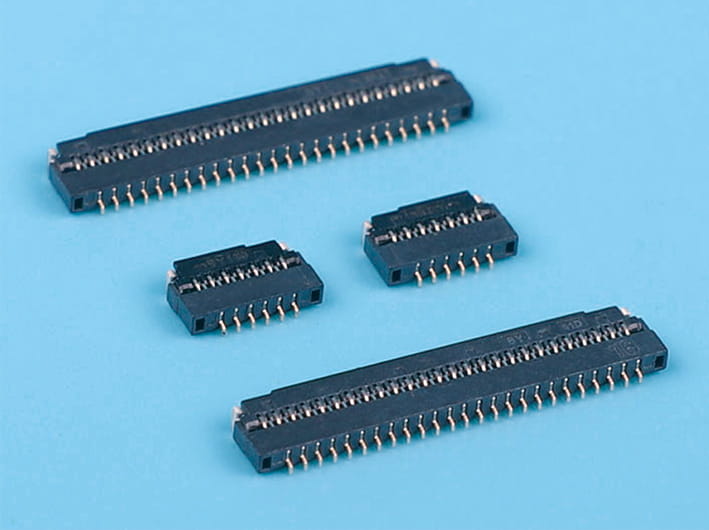
Easy-on fpc flat ribbon connector, 0.3mm pitch, 1.0mm height, flexible printed circuit connector, horizontal smt type
-

Back flip fpc flat flexible cable connector, 0.3mm pitch, 1.0mm height, bottom contact type for pcb board connections
-
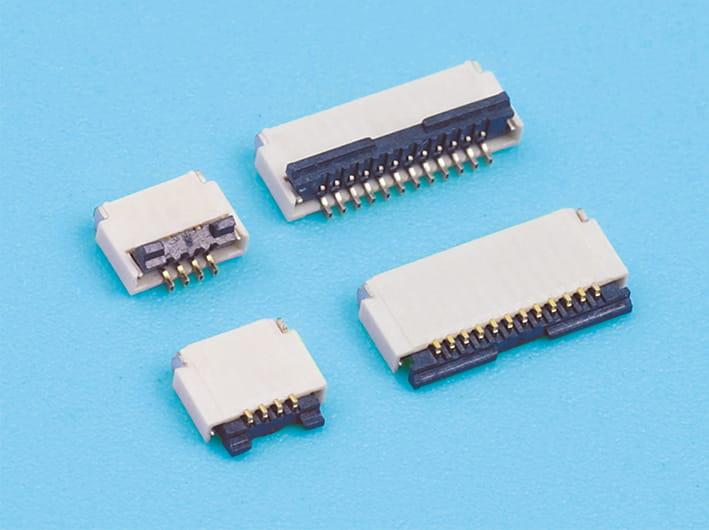
Back flip micro fpc flat cable connector, 0.5mm pitch, 1.0mm height, compact design, white, for data, signal transfer applications
-
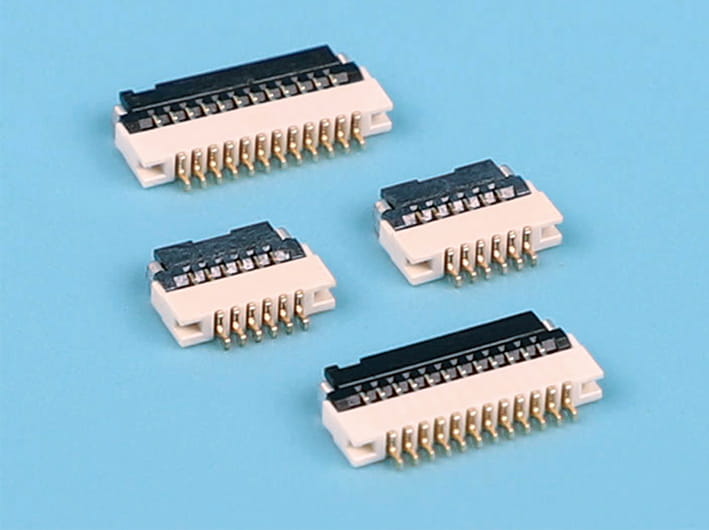
0.5mm Pitch, 1.0mm Height, Flip-Type Horizontal FPC Connector
-
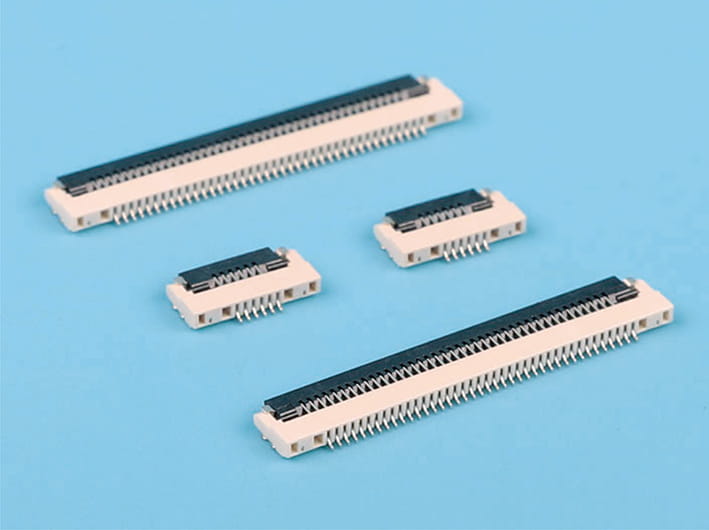
0.5mm pitch 1.2mm fpc flat cable connectors, horizontal smt type, flexible printed circuit connectors, secure locking
-
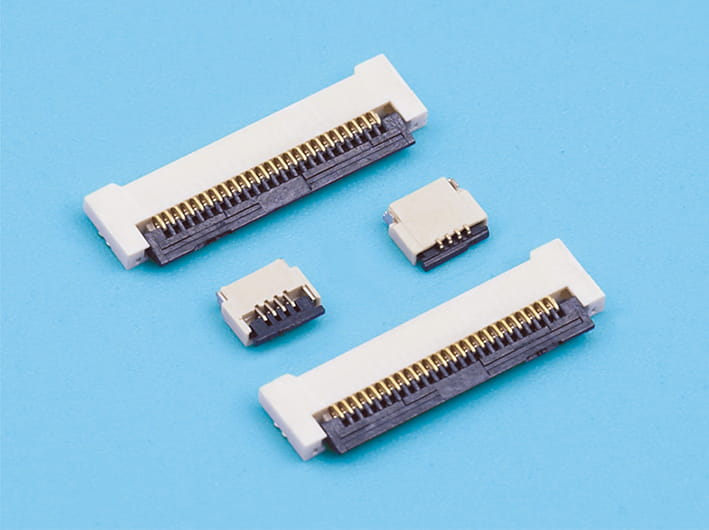
0.5mm Pitch, 1.2mm Height, Rear-Entry Horizontal FPC Connector
-
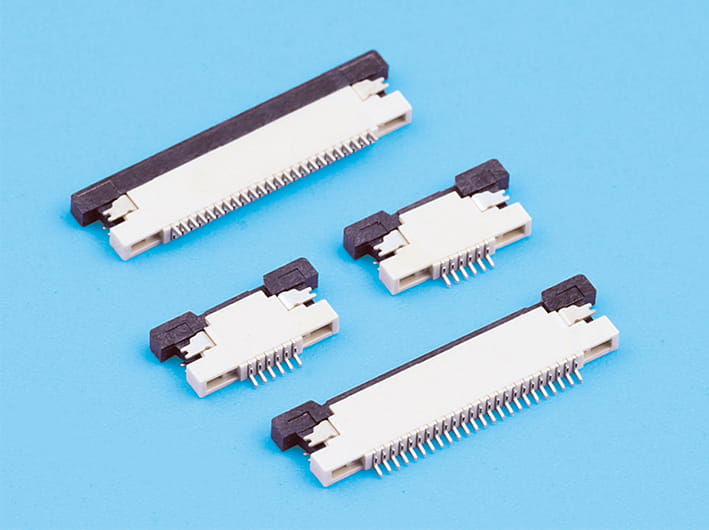
0.5mm pitch 1.2mm height fpc flat cable connector, zif r/a upper contact, locking slider, high-density integration, durable, for flexible printed circuits
-
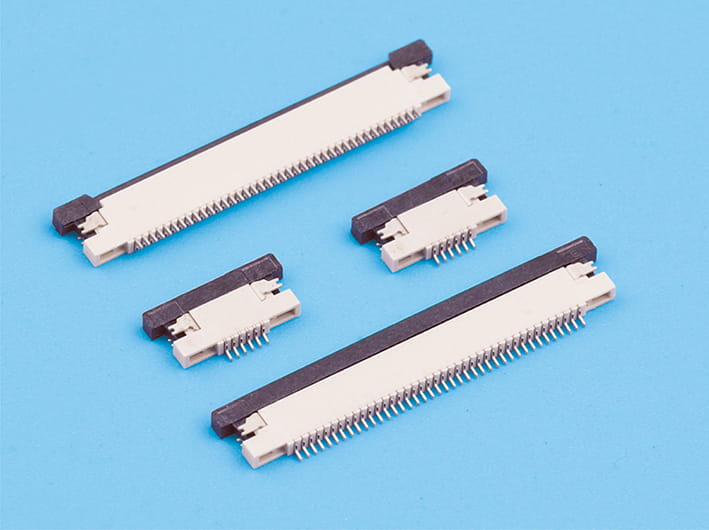
0.5mm pitch 1.2mm height fpc flat flexible cable connector, zif r/a down contact, for electronics and pcb boards
-
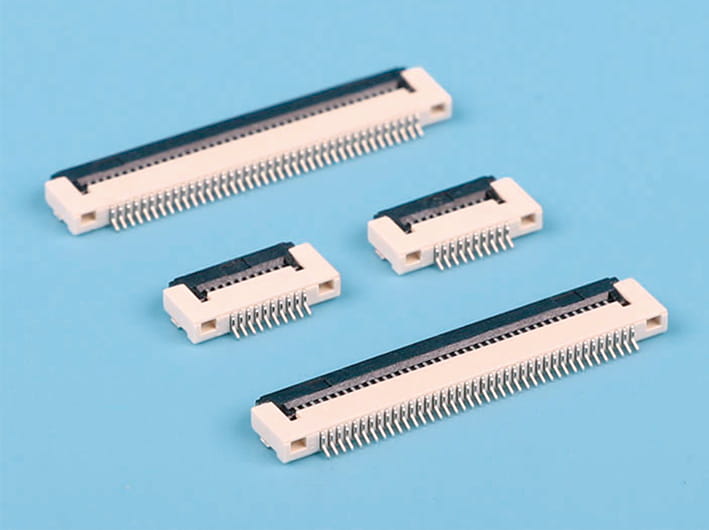
High-quality 0.5mm pitch 1.5mm height easy-on flat flexible cable fpc connector, horizontal type, locking-style, for pcb circuit board
-
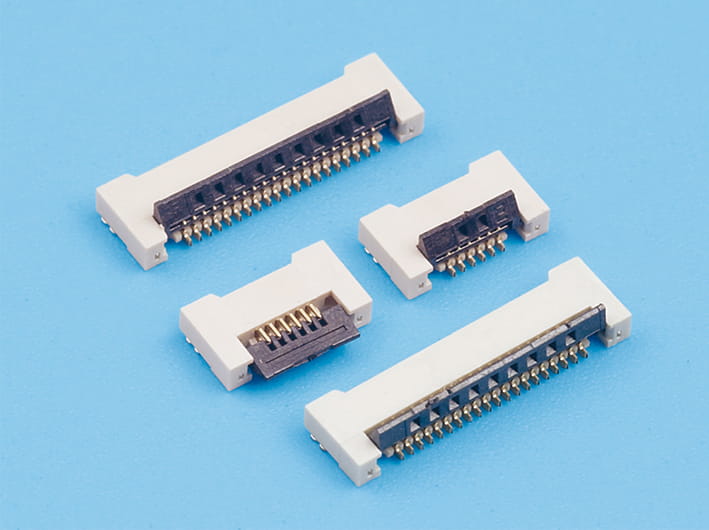
0.5mm pitch 1.5mm height back flip fpc flat connectors, zif slide type, flexible printed circuit cable connectors, horizontal contact
-
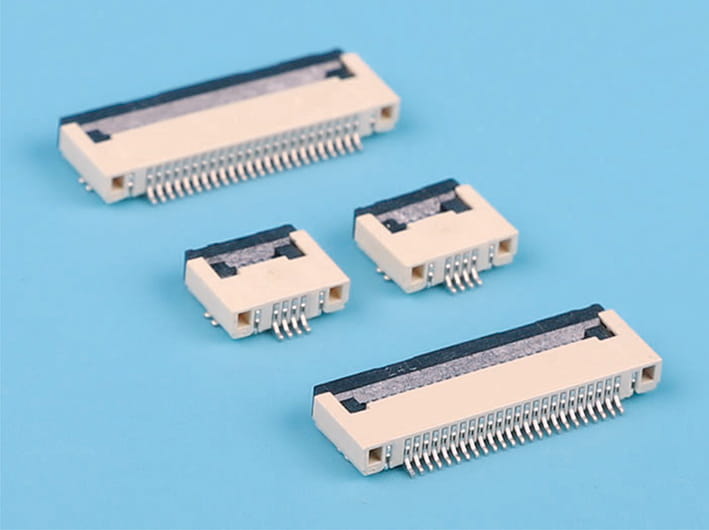
0.5mm pitch easy-on fpc flat ribbon connector, 2.0mm height, locking zif slide type, horizontal contact, flexible printed circuit board connector
-
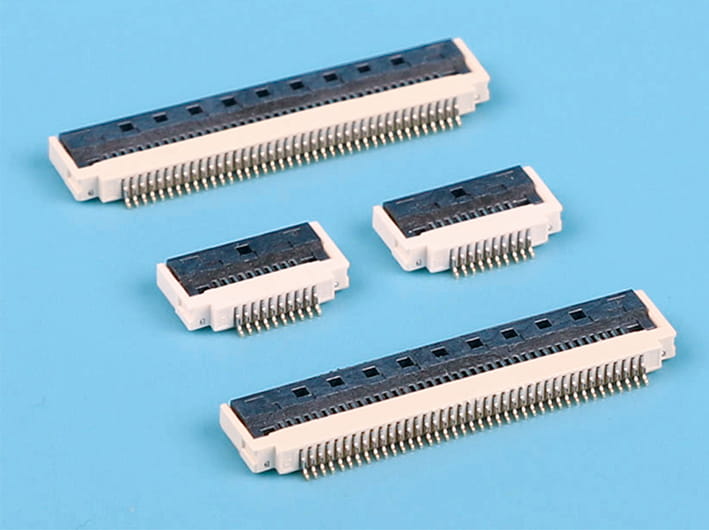
0.5mm pitch 2.0mm height, easy-on r/a with buckle fpc flat connectors, high-density integration flexible printed circuit board connectors
-
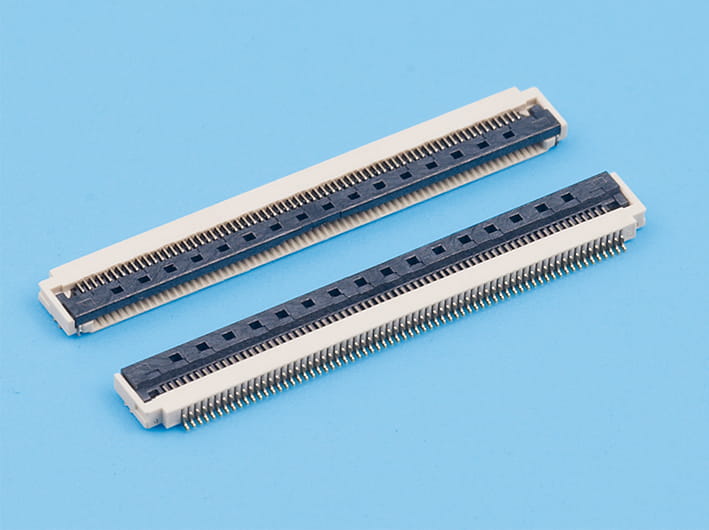
0.5mm Pitch, 2.0mm Height, Hinged Cover, Horizontal Mounting, Large Solder Pads
-

0.5mm pitch 2.0mm height back flip fpc flat connectors, horizontal insert, locking type, zif slide, pcb mount
-
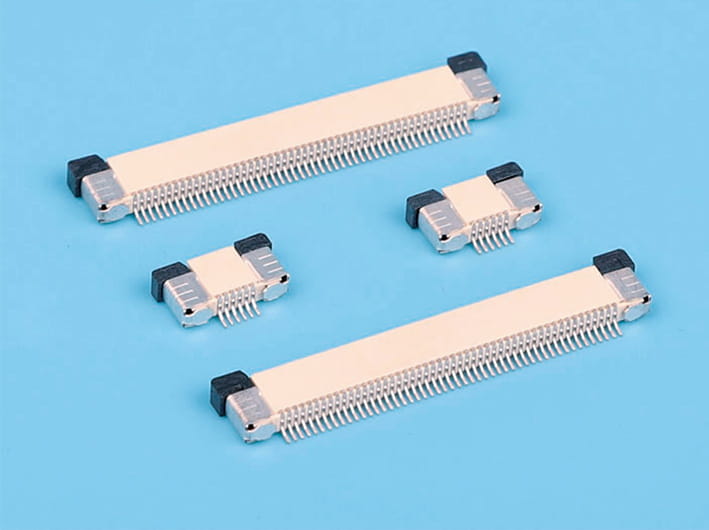
0.5mm Pitch, Ultra-Thin 2.0mm Horizontal FPC Connector (Pull-Out Locking Type, Top Contact Type)
-
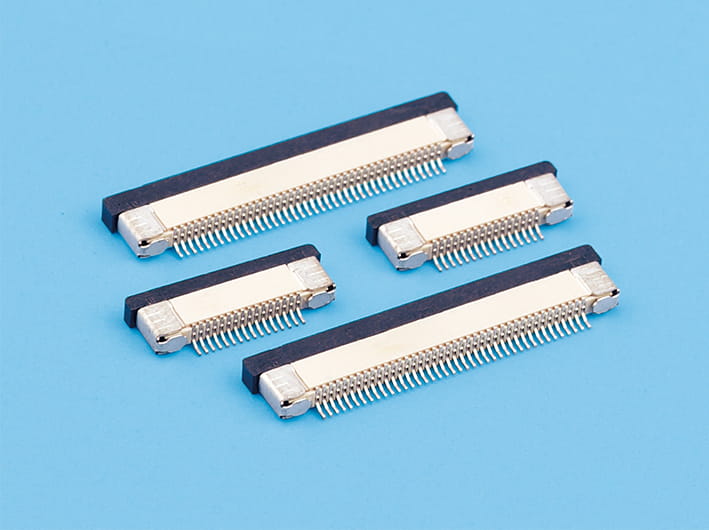
0.5mm Pitch, Ultra-Thin 2.0mm Horizontal FPC Connector (Pull-Out Locking Type, Bottom Contact Type)
-
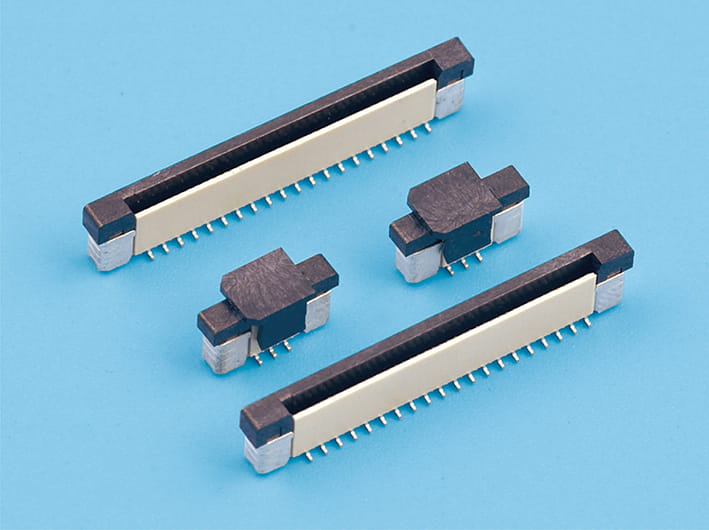
0.5mm pitch 4.5mm height fpc flat cable connector, zif s/t reversed pointer, locking slide
-
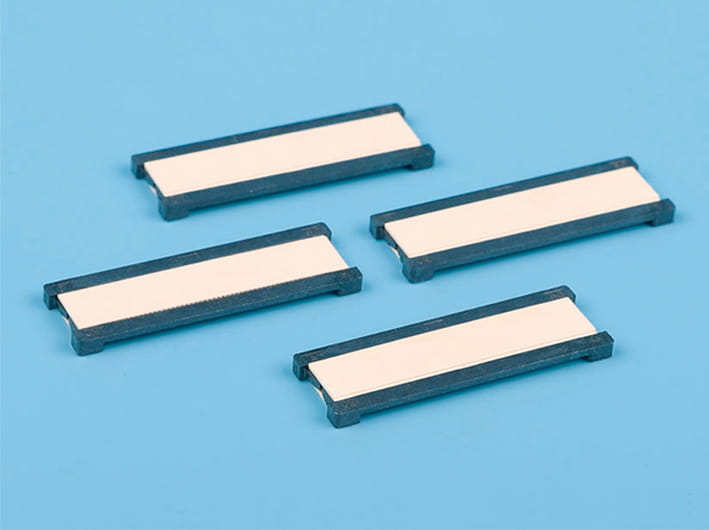
Double-side drawing fpc flat connector, 0.5mm pitch, 2.0mm/2.5mm height, flip type, for flexible cable, pcb mountable
CONTACT INFORMATION
-
Mr.Zhou(Sales manager)
Tel:+86(0)577-62369959
Tel:+86(0)577-62378959
MP:+86-13570877599
E-mail:[email protected]
Wechat:+86-13570877599
PRODUCT LINKS

Copyright © Zhejiang Wenda Electronics Co., Ltd. All Rights Reserved

Custom Electronic Connectors Manufacturer
